How to Grow a LinkedIn Company Page in 2026: A Practical Guide
You created your company's LinkedIn company page, filled in the description, posted a couple of announcements. Six months later, it has 80 followers, half of them your own employees, and every post stalls at a handful of reactions. It's the most common scenario, and the usual advice ("post valuable content consistently") never explains how to get out of it.
This guide starts from a simple observation: on LinkedIn, people follow people before they follow brands. A company page comes alive when it leans on the people behind it. Here you'll find the foundations to set up in 30 minutes, the method to reach your first 150 followers, what to post, how often, and which analytics to watch.
Why your LinkedIn company page is stuck
A page rarely stalls because of the quality of its posts. It stalls because LinkedIn first shows a post to part of the page's followers, then widens distribution if it gets reactions. With 80 followers, the starting point is tiny, and the content never gets a chance to be noticed.
On top of that, there's a well-known bias: members interact more readily with a person than with a logo. A founder sharing a tough decision gets more comments than the company page announcing the very same decision. That's not a dead end, it's a fact to build into your strategy.
Finally, many pages only talk about themselves: new offices, trade shows, hiring. That content has its place, but it only interests people who are already convinced. To attract new followers, the page also needs to offer something to people who don't know you yet.
The 30-minute foundations: what actually matters
No need to spend a day on layout. A few elements do most of the work.
- The tagline: one sentence saying who you work for and what you change for them, using the words your customers type into search. "Payroll software for accounting firms of 5 to 50 people" beats "Innovation at the service of your talent".
- The About section: written for the customer, not the shareholder. The problem you solve, how, and one proof point (number of clients, industry, measurable result).
- The custom button: "Visit website" or "Contact us", pointing to the page that converts best, not necessarily your homepage.
- The banner: a message that's readable on mobile, not a generic office photo.
- Linking your employees: every team member must select the page in their current experience. Otherwise their profile shows a grey placeholder logo and they don't count in the page's headcount.
That last point is often overlooked, yet everything else depends on it: every linked employee makes the page visible whenever someone views their profile.
Reaching your first 150 followers
LinkedIn says so in its Pages best practices: once a page gains 150 followers, its opportunity for growth becomes exponential. Below that threshold, the priority isn't to post more, it's to build a base.
Post before you invite
An empty page converts no one. Publish three or four useful posts before sending invitations, so every visitor finds a reason to follow.
Link and rally your team
Check that every employee is linked to the page, then ask each of them to follow it. That's your first dozen, or even first hundred, followers, and above all a network of amplifiers.
Invite your first-degree connections
Page admins get monthly invitation credits to invite their connections to follow the page. Target clients, partners and prospects, not your whole network: a follower who isn't concerned will never engage.
Open other entry points
Add a link to the page in your email signature, on your website (LinkedIn provides a "Follow" button) and in your newsletters. Every existing touchpoint becomes a source of qualified followers.
What to post: 4 content pillars for a B2B page
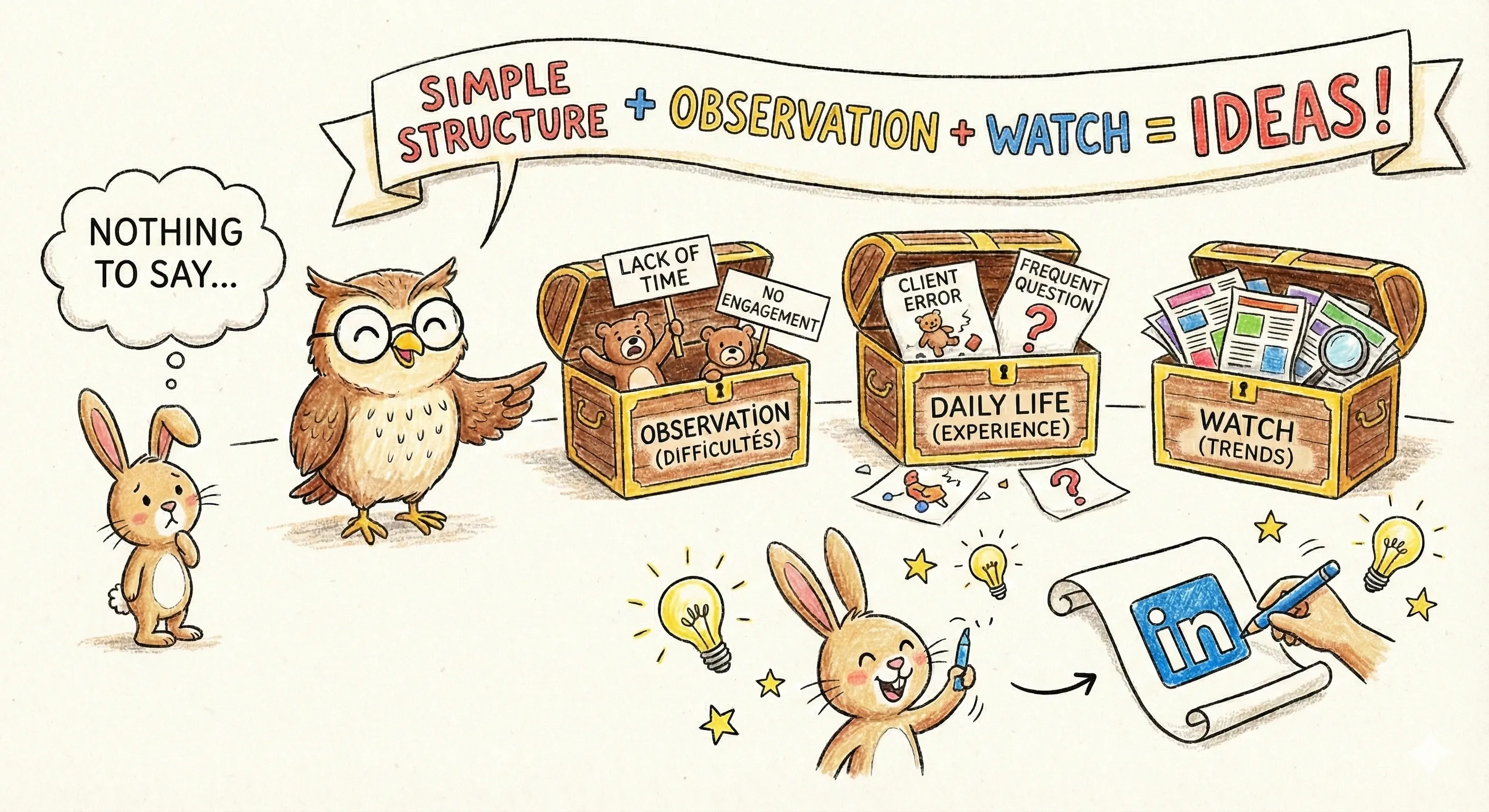
Running out of ideas kills more pages than lack of time. The fix is to define four pillars and pick from them every week.
| Pillar | What you post | Suggested share |
|---|---|---|
| Expertise | Industry analysis, methods, common mistakes your clients make | 40% |
| Proof | Case studies, measurable results, testimonials | 25% |
| Behind the scenes | Team, ways of working, decisions and the reasons behind them | 20% |
| News | Launches, hiring, events | 15% |
The expertise pillar is the one that attracts new followers, because it interests people who don't know you yet. The other three build trust with those who already follow you.
To feed it without spending hours, repurpose what you already produce: a blog article, a webinar, a detailed answer to a client. A tool like the Suma AI LinkedIn post generator turns a URL into a structured post that you review and adjust. And if you run dry, our method to find LinkedIn post ideas works for a page too.
As for formats, documents, carousels and native video give people something to look at in the feed. The details are in our guide to LinkedIn post formats.
The right rhythm: one post a week, and stick to it
According to LinkedIn, companies that post weekly see a 2x lift in engagement with their content. The key word here isn't "2x", it's "weekly": consistency beats volume.
So start with one weekly post you're sure you can keep up for three months. Move to two or three once the routine is in place. A page that posts five times in its first week and then disappears for a month does worse than a page that posts once a week without interruption.
Here's a typical week for a small team aiming for two posts:
- Monday: pick the two topics from your pillars and write a first draft.
- Tuesday morning: publish the expertise post.
- Thursday morning: publish a proof or behind-the-scenes post.
- Friday: review the week's numbers in ten minutes.
Scheduling keeps the page from depending on one person's availability. LinkedIn offers native scheduling, and Suma AI scheduling publishes directly to a company page through the official LinkedIn API.
Get your team to carry the page
This is where a page that barely survives differs from a page that grows. Every employee who shares a post exposes it to their own network, which the page can't reach on its own.
- Use the notify employees feature. LinkedIn lets you flag an important post to employees, up to once a week. Save it for your best content of the week.
- Prefer reposts with thoughts over bare reposts. A share with two personal sentences ("Here's what this changed for our team") reaches far more people than a share with no text.
- Give angles, not orders. Rather than "like the post", suggest to each person a question they can answer from their own experience.
- Return the favour. When a team member posts about their work and mentions the company, the page can repost it. It highlights the person and feeds the page with authentic content.
What doesn't work
A burst of reactions from the same colleagues in the minute after posting brings no new audience. The goal is for everyone to share with their own network, not to push the like counter up among yourselves.
The 4 page analytics to track every month
The page's Analytics tab holds a lot of numbers. Four are enough to know whether your strategy works.
| Metric | Where to find it | What it tells you |
|---|---|---|
| New followers | Followers tab | Whether the page attracts people, and where they come from |
| Engagement rate | Content tab | Whether posts interest people, regardless of page size |
| Visitor profile | Visitors tab | Whether you attract your target clients (job function, industry, company size) |
| Clicks | Content tab | Whether the page drives traffic to your website |
Once a month, identify your three best posts and look for what they have in common: pillar, format, angle. Do more of that. The Competitors tab also lets you compare your progress with pages you choose. If you publish through Suma AI, the performance tracking groups your posts' results by day, week or period.
Frequently asked questions
It's not the priority. Working solo, your personal profile generates most of the opportunities: it's the one that prospects, comments and builds relationships. A company page really makes sense once you have a team to rally, a brand distinct from your name, or roles to hire for. Create it for credibility, but invest your time in your profile.
Key takeaways
A LinkedIn company page doesn't get noticed through the quality of its posts alone. It grows when three conditions are met: a base of at least 150 relevant followers, a weekly rhythm kept over time, and a team that amplifies what gets published.
Start small: link your employees, publish one expertise post a week, check four numbers every month. For your content strategy as a whole, from personal profile to algorithm, read our LinkedIn content guide.