LinkedIn Comments: The Complete Strategy to Grow Your Visibility
LinkedIn Comments: The Complete Strategy to Grow Your Visibility
You post consistently on LinkedIn, you polish every caption, and yet your reach stalls while less active profiles seem to show up everywhere in the feed. LinkedIn comments carry more weight than likes in the algorithm, and most professionals only use half of that lever: they sometimes comment on other people's posts, but almost always ignore the comments they receive on their own.
Here's a complete method: how to comment on other people's posts to grow your visibility, how to reply to comments on your own posts to extend their reach, and a 15-minute daily routine to keep the habit going without eating into your evenings.
Why comments matter more than likes
LinkedIn's algorithm treats a comment as a stronger engagement signal than a like: it takes effort to write, it triggers a notification for the post's author, and it puts your name in front of that person's network, not just your own.
Concretely, every time you comment on a post, your contribution becomes visible to a portion of the author's connections, whether or not they're connected to you. It's a free discovery mechanism, the opposite of paid targeted advertising. LinkedIn's own help pages on commenting confirm that the platform actively manages and limits comment activity, which is itself a sign of how much weight the platform places on this signal.
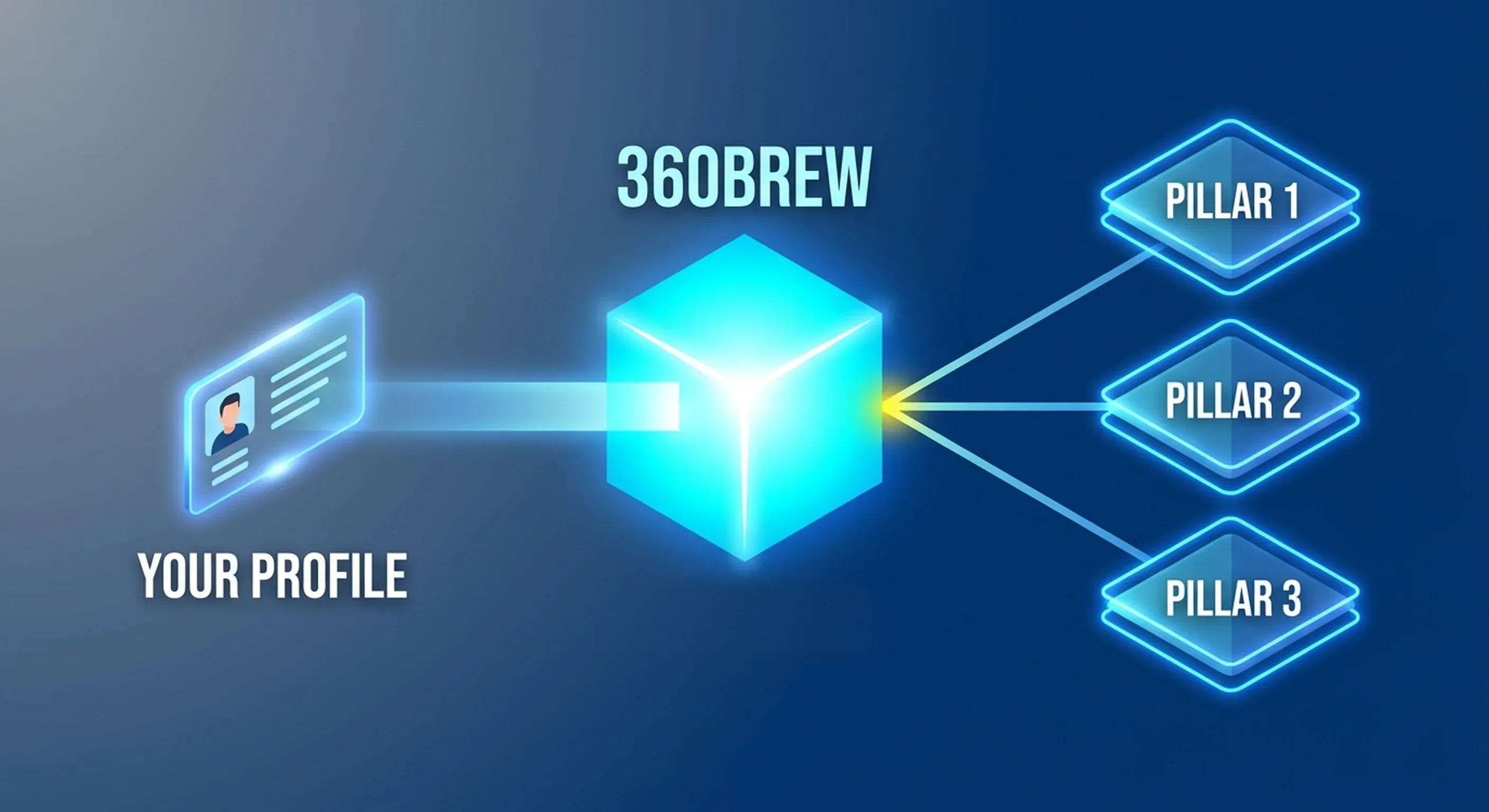
This mechanic works both ways. Commenting on other people's posts makes you visible to an audience you haven't reached yet. Replying to the comments you receive keeps your own post active in the algorithm's eyes for longer, since it keeps showing a post as long as the conversation underneath is still moving. Our article on 360Brew, the model now powering LinkedIn's algorithm goes deeper into how these engagement signals are actually evaluated.
Worth remembering
A post whose author keeps replying stays visible longer than one that only racks up silent likes.
Commenting on other people's posts to get noticed
Picking the right posts
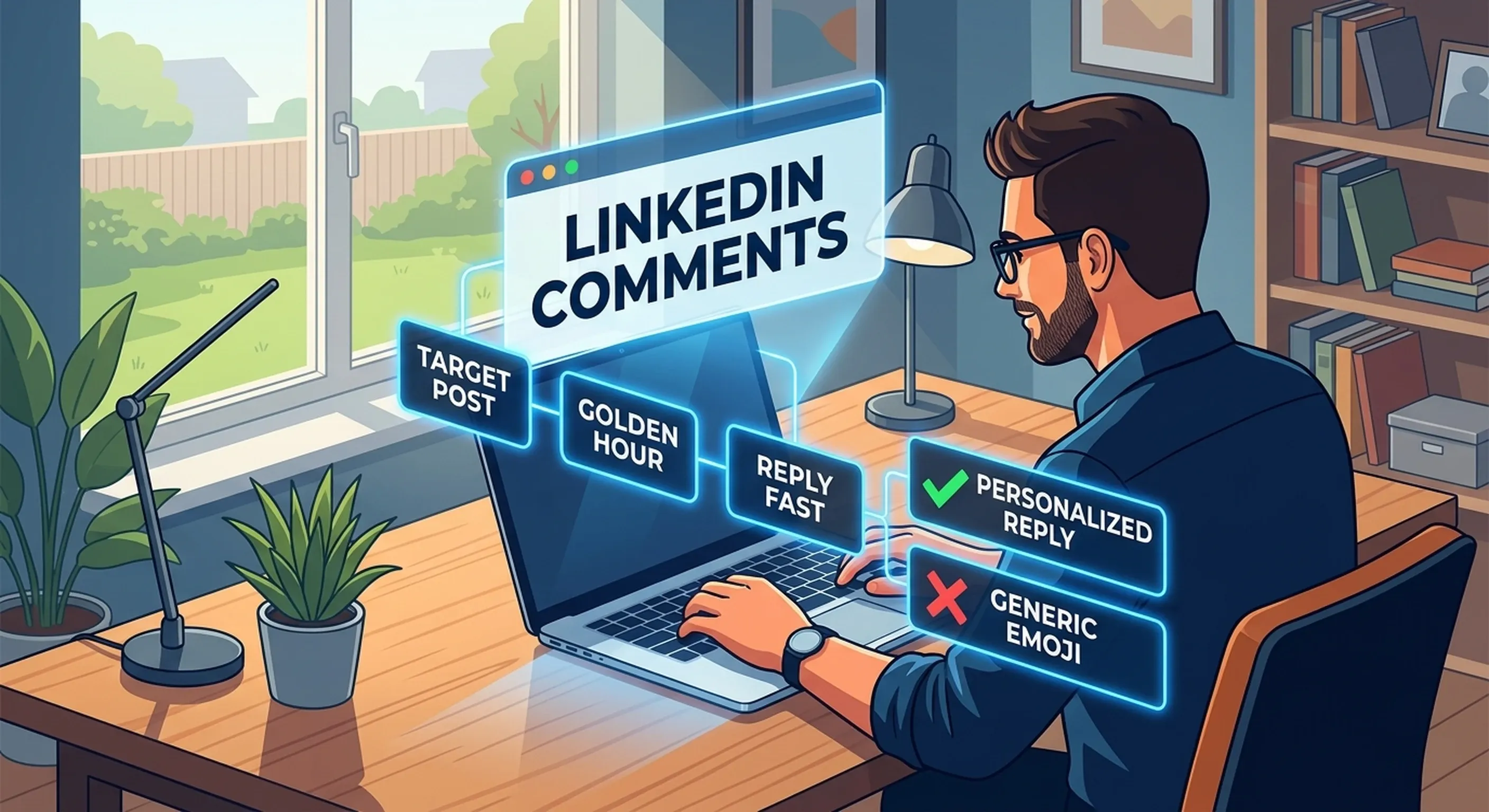
Not every post is worth commenting on. Prioritize posts published less than two hours ago: your comment has a better chance of being seen by the author and early readers, which increases the odds of a reply and a second wave of exposure. Focus on accounts in your industry that post regularly and already generate engagement: commenting on a post stuck at zero reactions does far less than jumping in early on a post that's taking off.
Build a short list of 15 to 20 accounts to follow closely: decision-makers in your market, potential clients, peers writing about the same topics as you. That's where consistent commenting eventually pays off, much more than on viral posts you stumble across once in the feed.
Writing a comment that actually counts
A good LinkedIn comment adds something the post alone didn't already say: a nuance, a real example, a number, a well-argued disagreement. Three to four sentences are plenty; the goal isn't to write a second post inside the comment box, it's to add an idea that makes someone want to click through to your profile.
Read the whole post
Never comment based on the hook alone. An off-topic comment is spotted immediately and hurts your credibility more than it helps.
Bring a new angle
Add an example, a number, or a polite disagreement rather than rephrasing the post.
Tag the person
Use the @ mention so the author is notified and a real conversation can actually start.
Reply if the author engages back
A two- or three-message exchange is worth more than ten isolated comments spread across ten different posts.
Mistakes to avoid
What kills a comment's credibility
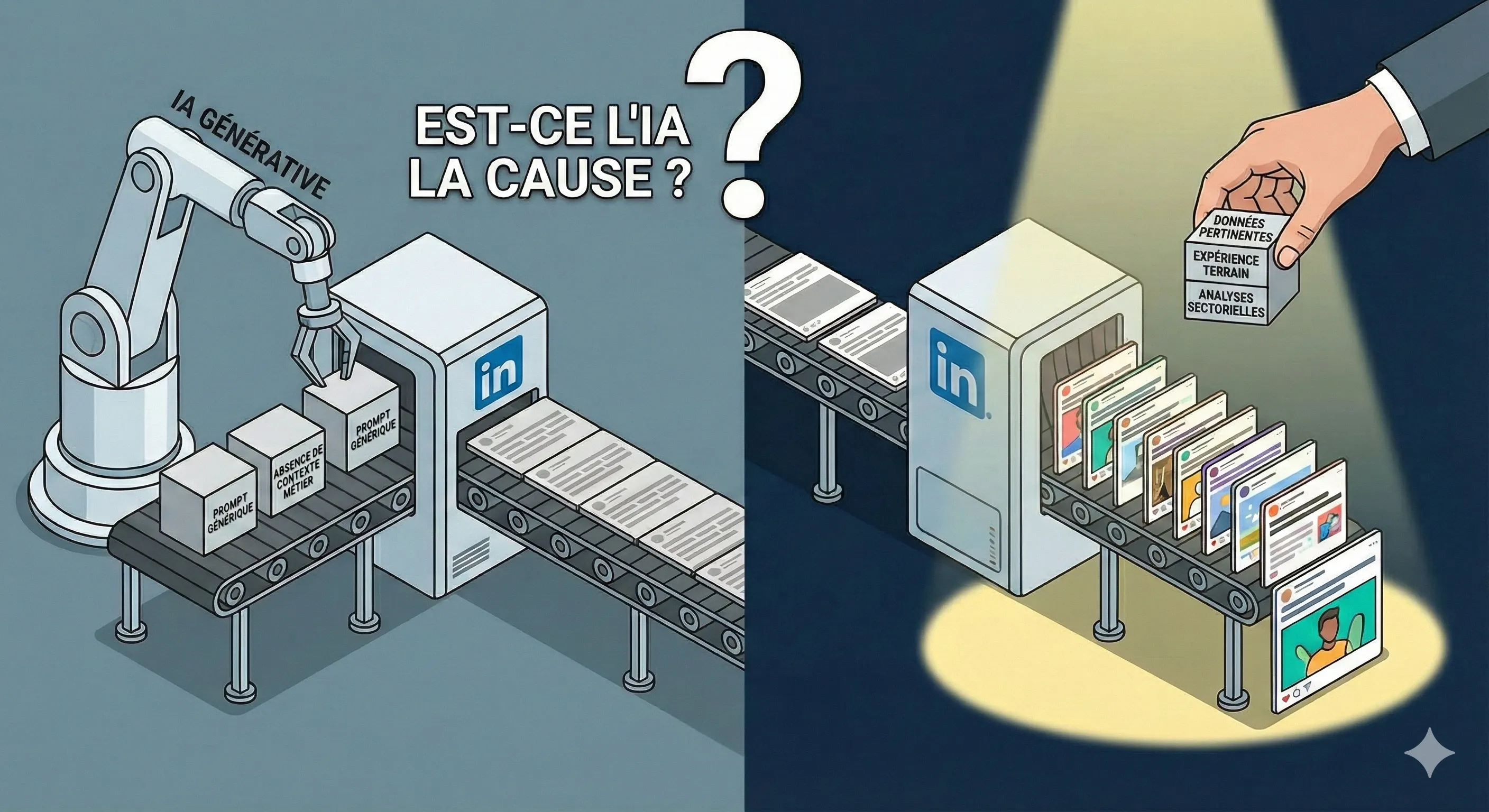
A single emoji, a "Great post!" with no substance, or a comment that's obviously AI-generated (generic phrasing, impersonal tone): those are the three reflexes that destroy a comment's credibility, even when the timing was right. The same pattern shows up in posts themselves, as we cover in why your AI posts all look the same.
Also steer clear of engagement pods that exchange comments automatically and mechanically: LinkedIn has strengthened its detection of these artificial patterns, and the opposite effect (reduced visibility) is a real risk.
Want to spot the posts genuinely worth commenting on, without spending your morning scrolling the feed? Suma AI's automated monitoring tracks the accounts and topics in your industry and flags the trends worth acting on, so your 15 minutes of commenting go where they pay off most.
Replying to comments on your own posts
The golden hour after publishing
The first hour after publishing a post is decisive: LinkedIn shows it first to a small sample of your network, then expands or limits distribution based on the engagement measured during that window. Staying available to reply to the first comments during that hour encourages the algorithm to keep exposing the post instead of letting it fade.
Personalizing every reply
Replying "Thanks!" to every comment costs nothing, but it earns nothing either. A reply that reopens a question, extends the commenter's point, or asks them to clarify their view turns a simple acknowledgment into the start of a conversation, which is exactly what the algorithm is looking for.
A simple trick
Drop the last name in your replies ("Thanks, Camille" rather than "Thanks, Camille Dupont"): it's a small detail, but it makes the exchange feel more natural and less administrative.
Handling difficult comments
A critical comment or a public disagreement isn't necessarily a problem: a calm, well-argued reply, visible to everyone, often strengthens your credibility more than it damages it. Save deletion or reporting for comments that are genuinely off-topic, insulting, or promotional, LinkedIn offers those options directly on every comment.
A 15-minute daily routine
Sustaining a LinkedIn comments strategy over time takes less discipline than you'd think, as long as you anchor it to a fixed time slot rather than relying on motivation.
5 minutes: reply to your own comments
Prioritize comments received on your posts from the last 24 hours, especially same-day ones still inside their golden-hour window.
5 minutes: comment on 3 to 5 targeted posts
Go through your list of closely followed accounts and leave a well-built comment on posts that already have traction.
5 minutes: follow up on open threads
Check back on threads where you commented the day before: a late reply is often better than no follow-up at all.
Mistakes that kill your comments
- Commenting only on posts already saturated with reactions, where your message drowns in the crowd.
- Replying to a comment with a bare "Thanks" that closes the conversation instead of reopening it.
- Copy-pasting the same template comment across several posts without adapting it to each one.
- Waiting several days to reply to comments received, when most of their effect happens in the first few hours.
- Piling on
@mentions in a single post to force engagement: beyond a targeted use, LinkedIn treats the pattern as a spam signal and cuts reach.
Frequently asked questions
There's no magic number, but 3 to 5 genuinely well-built comments a day, on targeted posts, do more than 20 generic comments dropped while scrolling.
Key takeaways
LinkedIn comments aren't a side detail of your content, they're a core part of it: commenting on other people's posts builds your visibility, replying on your own extends it. A 15-minute daily routine, kept consistently, is enough to make both levers work together, as covered in our complete guide to LinkedIn content strategy.