LinkedIn Newsletter: How to Create Yours and Grow It in 2026
LinkedIn Newsletter: How to Create Yours and Grow It in 2026
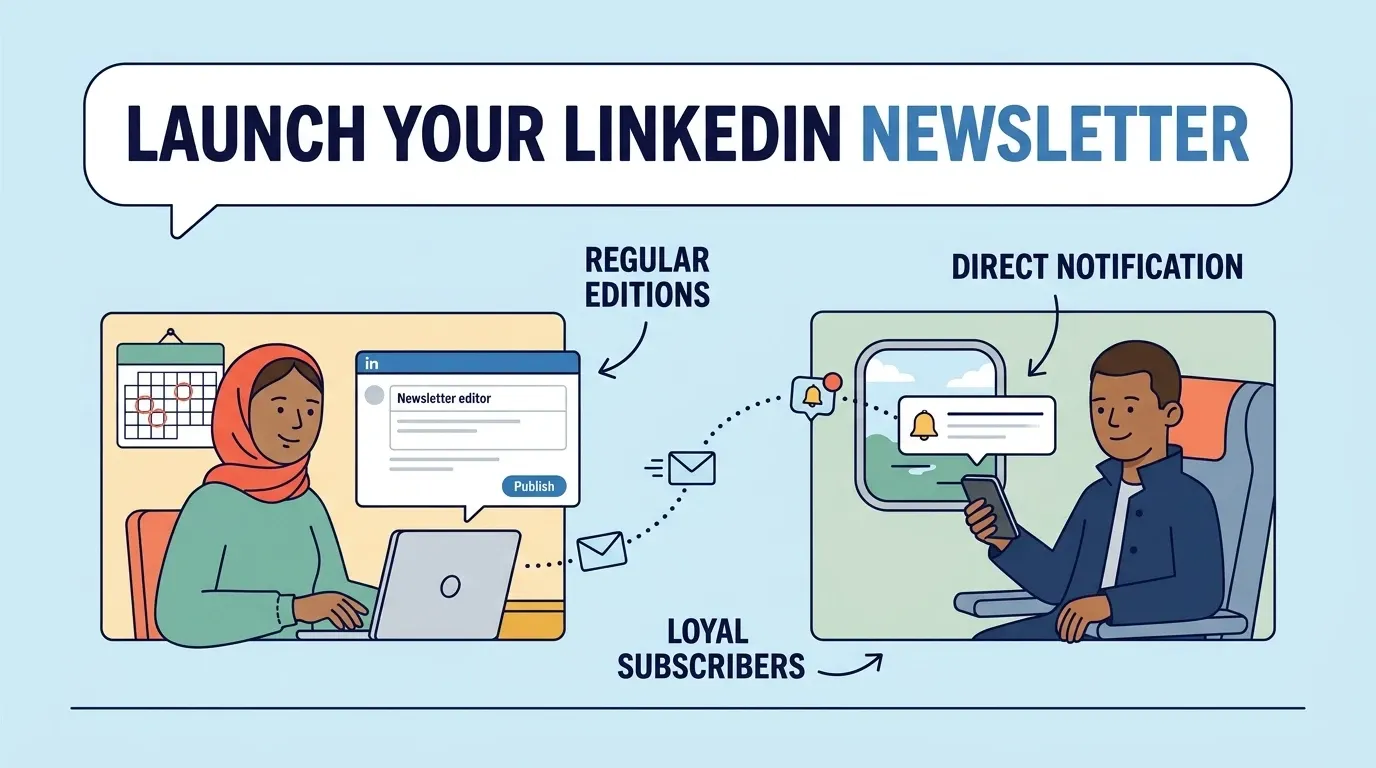
Your LinkedIn posts get lost in your followers' feeds as soon as the algorithm decides not to show them, and you have no way to let people know a new post exists. A LinkedIn newsletter solves this directly: every issue goes out as a notification and an email to all your subscribers, without depending on the feed.
In this guide: how to create your LinkedIn newsletter step by step, best practices to keep your subscribers, how to keep it going without giving up your evenings, and the limits to know before you start.
What is a LinkedIn newsletter, and how is it different from a post?
A LinkedIn newsletter is a series of articles published at regular intervals from a personal profile or a company page, which people subscribe to voluntarily. Each new issue triggers a notification and an email for every subscriber, whereas a regular post depends entirely on what the algorithm decides to show in the feed.
This difference changes everything about reach. A post can reach 50 people or 50,000, based on criteria you do not control. A newsletter consistently reaches its subscribers, issue after issue, which makes it a retention format rather than a discovery format.
The newsletter stays public: anyone can read it on your profile, but only subscribers receive the email and notification. It sits between the post, open to everyone but short-lived, and classic email marketing, loyal but closed.
How to create your LinkedIn newsletter step by step
Creating one takes less than ten minutes. Here is how.
Turn on creator mode
From your profile, turn on creator mode and choose the topics (hashtags) that represent your expertise. This step is a prerequisite: without it, the newsletter option does not appear.
Start the setup
On the home page, click "Write article", then "Create a newsletter". Fill in a title, a description, the planned publishing frequency (weekly, biweekly or monthly) and a main image.
Publish the first issue
Write and publish your first article. A dedicated newsletter page is then created automatically, with your profile, a summary of the topic, and the list of upcoming issues.
For a company page, the logic is the same, but the option is found in the page's admin tools rather than on your personal profile.
A move that is hard to undo
You can create up to five newsletters per profile or page. If you delete one, LinkedIn imposes a delay of seven to fourteen days before you can create a new one. Choose the title and positioning carefully from the start.
Best practices to keep your subscribers
Creating a newsletter is easy. Keeping it alive with subscribers who open every issue is harder. A few rules, recommended by LinkedIn itself and confirmed by creators who make a living from it, make the difference:
- A name that clearly announces the topic, not a pun that forces people to click to understand what it is about.
- Polished visuals: a square logo (300 x 300 pixels) and a cover image per article (744 x 400 pixels), avoiding stock photos. An authentic photo, with real faces, engages better than a generic visual.
- Issue titles that make people want to open, like an email subject line: a concrete promise rather than a vague heading.
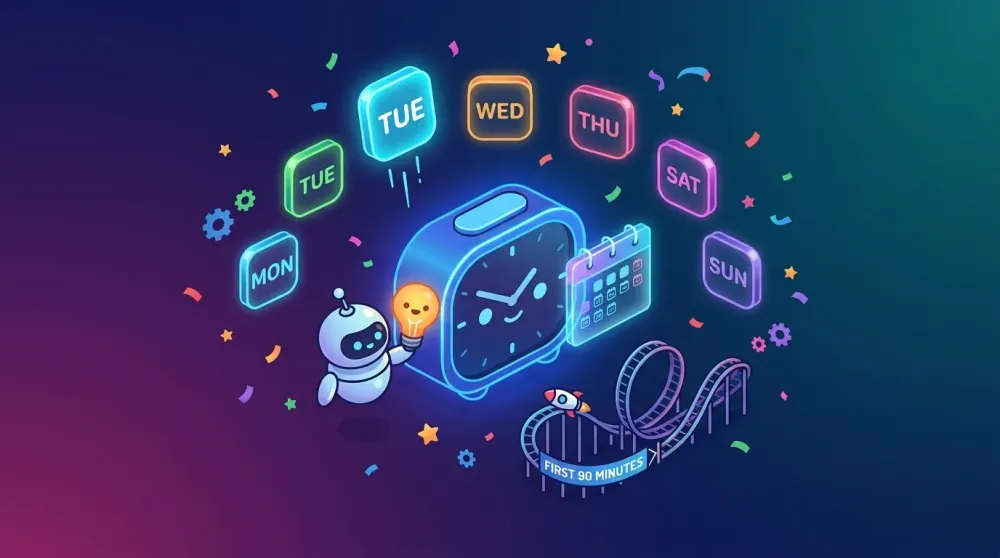
- A frequency you keep up over time. A monthly issue published for a year beats a weekly rhythm abandoned after three weeks. If you already schedule your posts, apply the same discipline to your newsletter issues.
- Content that cannot be found elsewhere in two clicks: an analysis, a quantified lesson learned, an angle your posts do not have the format to develop.
To lay the foundations of a solid editorial line on LinkedIn before launching a newsletter, our complete guide to LinkedIn content is the reference to read first.
Newsletter or regular post: which to choose as organic reach declines?
Many creators have noticed that their posts get less organic reach than before: Richard van der Blom's Algorithm Insights Report 2025, covered by MarTech, measured a drop of around 50% as LinkedIn adjusted its algorithm. The newsletter is not affected by this fluctuation in the same way: once someone subscribes, the notification goes out with every issue.
The two formats do not replace each other, they complement each other.
| Criterion | Regular post | Newsletter |
|---|---|---|
| Reach | Depends on the feed and the algorithm | Consistent with subscribers |
| Notification | None | Email and notification with every issue |
| Ideal format | Short, one angle, one idea | Longer, a developed analysis |
| Frequency | Several times a week | Weekly to monthly |
| Role | Discovery, virality | Retention, authority |
In practice, creators who get the most out of both formats post throughout the week to stay visible, and keep the newsletter for in-depth analyses that deserve a longer format.
How to keep your newsletter going without giving up your evenings
The real obstacle is not creating an issue, it is finding a topic solid enough every month to justify the newsletter's long format, on top of your everyday posts.
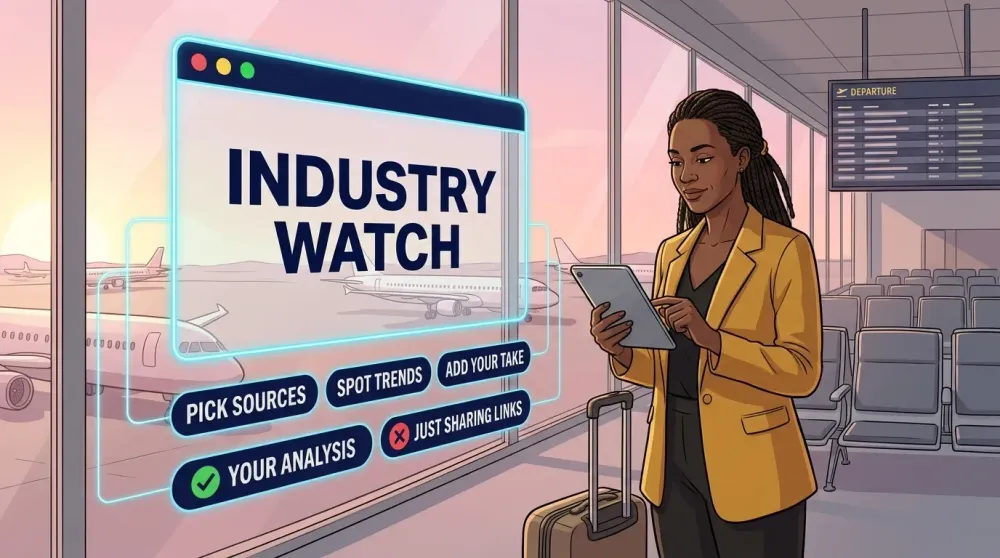
The most sustainable solution is to draw on the same raw material as your posts, rather than looking for two different sets of ideas. Automated industry monitoring that follows your sources (industry blogs, YouTube channels, reference LinkedIn accounts) surfaces the topics that are moving in your market every week. The most time-sensitive ones become posts, the most structural ones become newsletter issues.
To go further on the monitoring method itself, our article on how to keep up with industry trends and post about them explains how to organize your sources without losing an hour a day.
The limits to know before you start
The LinkedIn newsletter has a real use, but it is not an email marketing tool in disguise. Four limits to keep in mind:
- You do not own the subscriber list. Unlike a classic email tool, you cannot export email addresses or reach your subscribers elsewhere: the relationship stays hosted by LinkedIn.
- Five newsletters maximum per profile or page, and a delay of seven to fourteen days to create a new one after deleting one.
- Visual customization is limited. No custom layout like in a classic email: better to prepare visuals in advance in a design tool, then upload them.
- The format suits B2B better than B2C. A professional audience values in-depth analysis; for a consumer audience, classic email marketing usually converts better.
To know whether your LinkedIn content, newsletter included, has a measurable effect, track your LinkedIn statistics regularly rather than going by feel.
Further reading
Frequently asked questions
Up to five newsletters per personal profile or company page. Beyond that, you have to delete one to create a new one, with a waiting period of seven to fourteen days after deletion.
Key takeaways
A LinkedIn newsletter does not replace your posts, it extends them: a longer format, delivered directly to the people who chose to follow you, without depending on the algorithm of the day. It requires real consistency and a topic that deserves the format, not a rushed issue every month to tick a box.
The good news is that the material that feeds your posts can also feed your newsletter: well-organized industry monitoring is enough to keep both formats going without doubling the work.