AI Tools to Create LinkedIn Content: The Comparison
You are looking for AI tools to create LinkedIn content, and the list grows every month: general-purpose chatbots, features built into LinkedIn, specialized writing assistants, platforms that chain monitoring and publishing. Each solves a different problem, and mixing up the categories often means paying for a feature you do not need, or getting stuck with a simple sentence generator.
Here you will find a comparison of the families of tools available today, their strengths, their limits, and the criteria that should guide your choice based on your situation.
Four families of AI tools to create LinkedIn content
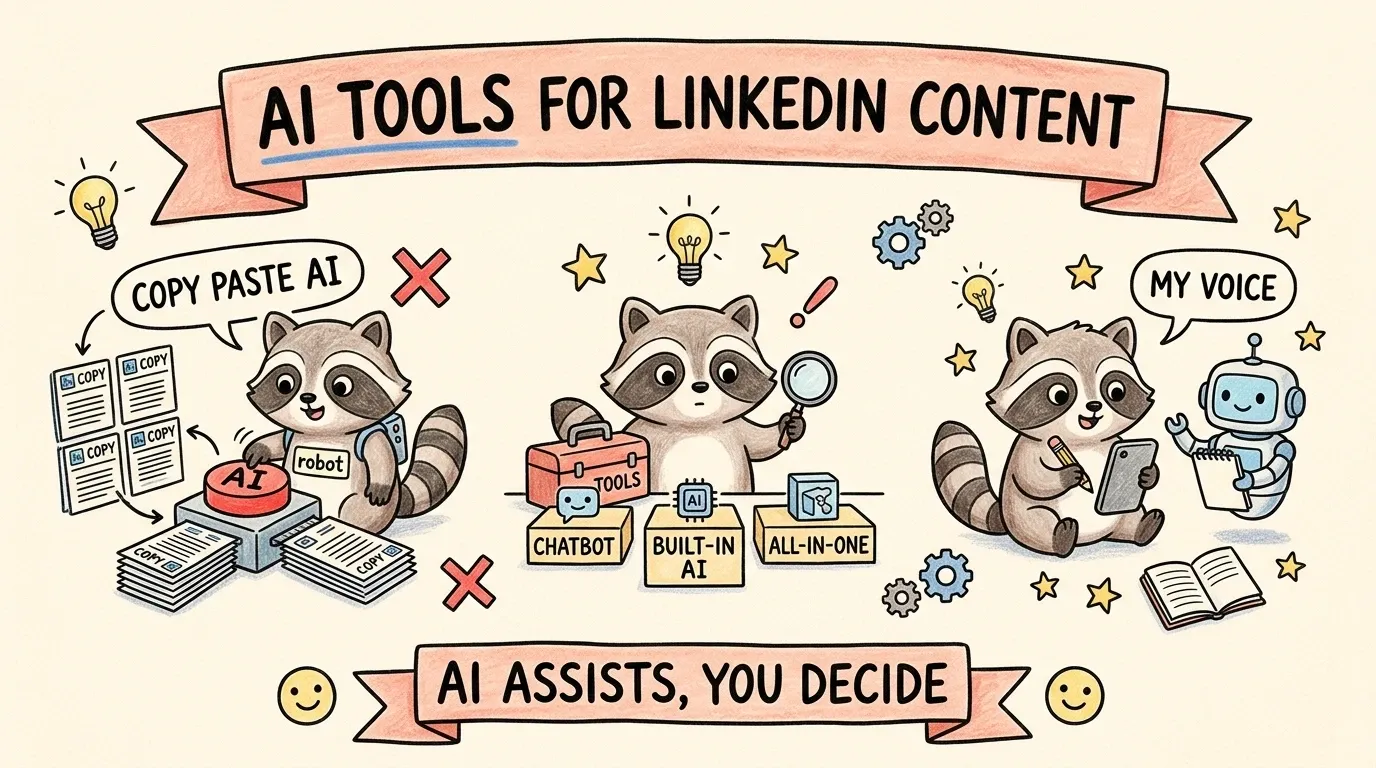
Before comparing brands, you need to distinguish what each tool actually does. AI tools that touch LinkedIn fall into four families, which do not provide the same service.
General-purpose AI (ChatGPT, Claude, Gemini)
A chatbot you give a prompt to, and which writes a text in return. Quick to pick up, free or nearly free in its basic version, but with no memory of your editorial strategy or your previous posts. Every session starts from scratch.
LinkedIn's native AI features
LinkedIn now offers writing suggestions directly in the post editor, as well as help for job postings and some Premium profile fields. Handy, but limited to the tool's scope and to the data already on your profile.
Specialized writing assistants
Tools built specifically for LinkedIn: they know the format of a post that works (hook, body, ending), offer several variants, and sometimes rely on a few examples of your posts to imitate your tone. They remain focused on writing alone.
All-in-one platforms (monitoring, writing, personalization, scheduling)
The most recent family. It starts from a real source (an article, a video, an account to monitor) rather than a blank page, writes a structured post that takes your style into account, then schedules it. This is the category that the Suma AI LinkedIn post generator belongs to, turning a URL into a structured post in about thirty seconds.
Comparison: which tool to choose based on your needs
The four families do not replace one another, they meet different needs. The table below summarizes the most concrete differences.
| Tool family | LinkedIn-specific | Automatic monitoring | Style personalization | Post scheduling | Indicative budget |
|---|---|---|---|---|---|
| General-purpose AI (ChatGPT, Claude) | No | No | Manual, through the prompt | No | Free to $20/month |
| LinkedIn native features | Partial | No | Based on your profile | No | Included in Premium |
| Specialized writing assistant | Yes | No | From a few examples you provide | Rarely | $15 to $40/month |
| All-in-one platform | Yes | Yes | From your post history | Yes | $25 to $95/month |
If your only problem is rephrasing an idea you already have in mind, a general-purpose AI is enough. If your problem is never knowing what to post, you need a tool that does the monitoring for you, not just a tool that writes faster.
What general-purpose AI does well, and what it lacks for LinkedIn
ChatGPT, Claude or Gemini write well once you find the right prompt, and that is a clear step up from the blank page. The problem shows up over time: each conversation ignores previous posts, the chatbot does not know what has already worked for you, and it monitors nothing in your industry. You are left alone to find the topic, then alone to rework the prompt until you get a tone that sounds like you.
The result borders on a paradox: the more accessible the tool, the more the texts it produces look alike across users, for lack of context specific to each one.
LinkedIn's native AI features: useful, but limited in scope
The writing suggestions built into LinkedIn draw on your profile information, which gives them a slight context advantage over an external chatbot. But their scope stays within the post editor: they do not bring in news from your industry, keep no memory between sessions, and schedule nothing. They help with a hook, not with an editorial line.
Why all-in-one platforms change the game
The difference does not lie in writing quality taken in isolation, but in what happens before and after. A platform that runs automated monitoring of your industry keeps you from running out of ideas. Personalization built on your own posts avoids the generic tone. And automatic scheduling, through the official LinkedIn API, saves you from coming back every day to post manually.
The criteria to check before choosing an AI tool for LinkedIn
Check how real the personalization is
Ask what it relies on: a simple generic prompt, or an analysis of at least three to five of your existing posts. The second option produces a tone much closer to yours.
See whether the tool does its own monitoring
A tool that starts from a source you have to provide still leaves you the work of finding the idea. A tool that monitors blogs, YouTube channels or LinkedIn accounts for you solves a different problem, often a more time-consuming one.
Test scheduling and publishing
Check that publishing goes through the official LinkedIn API, not through unauthorized automation that exposes your account to restrictions.
Compare the budget with actual use
A cheap subscription to a simple text generator can end up costing more, in practice, than a pricier platform that covers monitoring, writing and scheduling, once you count the hours it does not save you.
The risk of content that looks like everyone else's
Most posts now sound the same
In a July 2026 sample of 5,000 public long-form LinkedIn posts, 81.2% were classified as likely AI-generated (Originality.ai LinkedIn AI study), up from 54% in late 2024. A tool that just rephrases a generic prompt makes you blend into that mass.
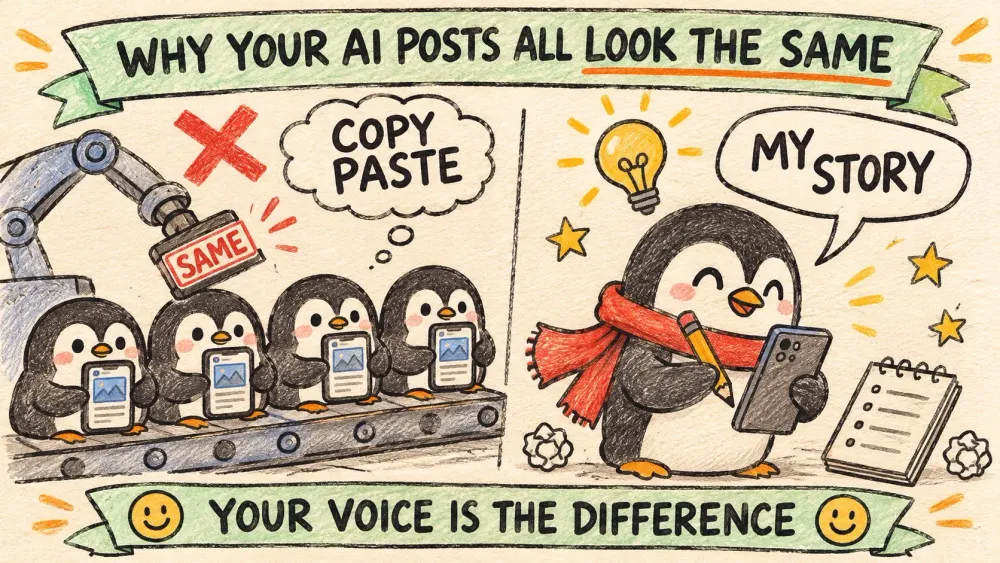
To understand the markers that give away a generic text, read our article on why your AI posts all look the same. A tool that starts from real news in your industry, with a solid industry monitoring method behind it, avoids a good part of this problem, since it never starts from an empty prompt.
Frequently asked questions
Yes for rephrasing an idea you already have, no for sustaining an editorial line over time. ChatGPT keeps no memory between sessions, does not monitor your industry, and does not schedule your posts.
Key takeaways
The right AI tool to create LinkedIn content depends on the block you want to remove. A general-purpose AI helps rephrase an idea you have already found. LinkedIn's native features help with a hook. A specialized assistant structures a post better, but leaves the search for ideas to you. An all-in-one platform covers monitoring, writing in your style and scheduling, which makes it the most cost-effective choice as soon as consistency becomes the real problem. Compare the pricing based on the number of accounts you manage before deciding.