How to Turn a Blog Post Into a LinkedIn Post: A 5-Step Method
How to Turn a Blog Post Into a LinkedIn Post: A 5-Step Method
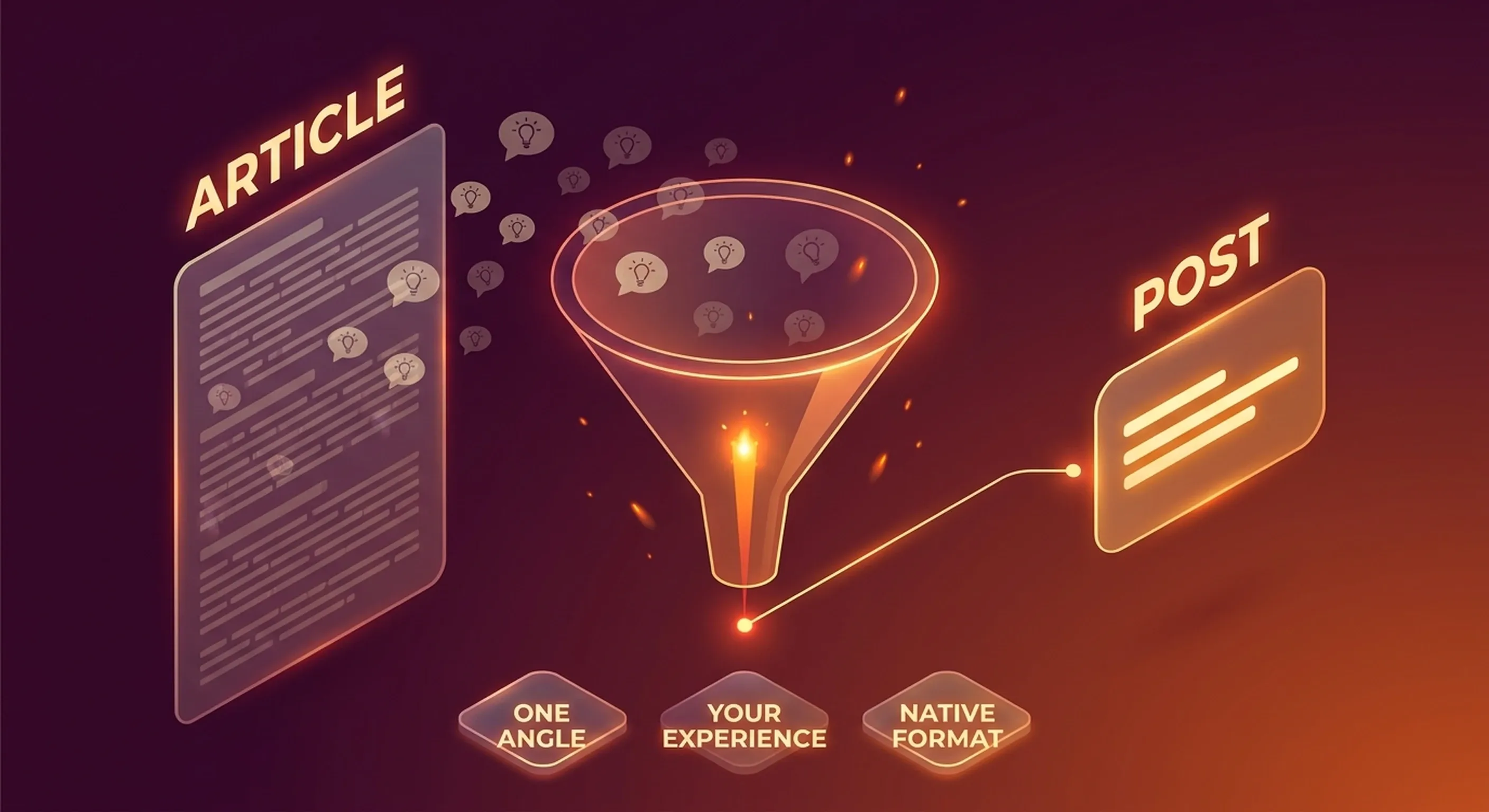
You read a good article. You figure your network should see it. You copy the link, add two lines of introduction, hit publish. And the post stalls at a few hundred views. Turning an article into a LinkedIn post is neither sharing a link nor summarising the content: it's editorial work that takes about ten minutes and changes everything about the outcome.
Here's what you'll find: why the summary post never works, the 5 steps to go from an article to a native post, how to get three posts out of one source, and what changes when the source is a video.
The two mistakes that kill your curation posts
Putting the link in the body of the post
LinkedIn has no interest in sending its users elsewhere. An external link placed in the text asks the platform to push traffic to a third-party site, and distribution suffers accordingly.
The rule to remember
The source goes in the first comment, never in the post. We cover this in the complete guide to LinkedIn content in 2026.
Summarising the article
This is the most common mistake, and the most expensive. A summary restates everything and asserts nothing. It has no author: anyone who read the same article would have written the same text. What your audience follows on LinkedIn isn't a source of information (they already have too many), it's a point of view.
The difference fits in a single sentence.
Summary post: "A study shows that companies posting three times a week on LinkedIn generate more engagement. The article also covers the importance of visual formats and consistency."
Angle post: "I was told for years to post every day. I tried it for six months. The result: my average engagement halved. Here's what I learned about consistency."
The second one isn't better written. It makes a choice: one idea, owned, with somebody standing behind it.
Step 1: Pick the right source
Not every article deserves a post. Before you open your editor, run the source through four criteria:
- Relevant to your audience, not to you. Content that fascinates you but sits outside your editorial territory dilutes your positioning.
- Relatively fresh. A six-month-old topic works if nobody in your industry has covered it from your angle. Absolute novelty isn't required; novelty for your network is.
- A point of friction. Do you partly disagree? Have you observed the opposite in the field? That's the best signal there is. A well-argued disagreement drives more comments than agreement.
- Something of your own to graft on. If you have nothing personal to attach to this content, move on. You'll only write a summary.
The real bottleneck sits upstream: you have to read enough to be able to choose. That's why manual selection collapses after three weeks. Automated monitoring of your sources, whether they are blogs, YouTube channels or LinkedIn accounts in your industry, replaces the daily hunt with a five-minute selection.
Step 2: Extract one angle, not five
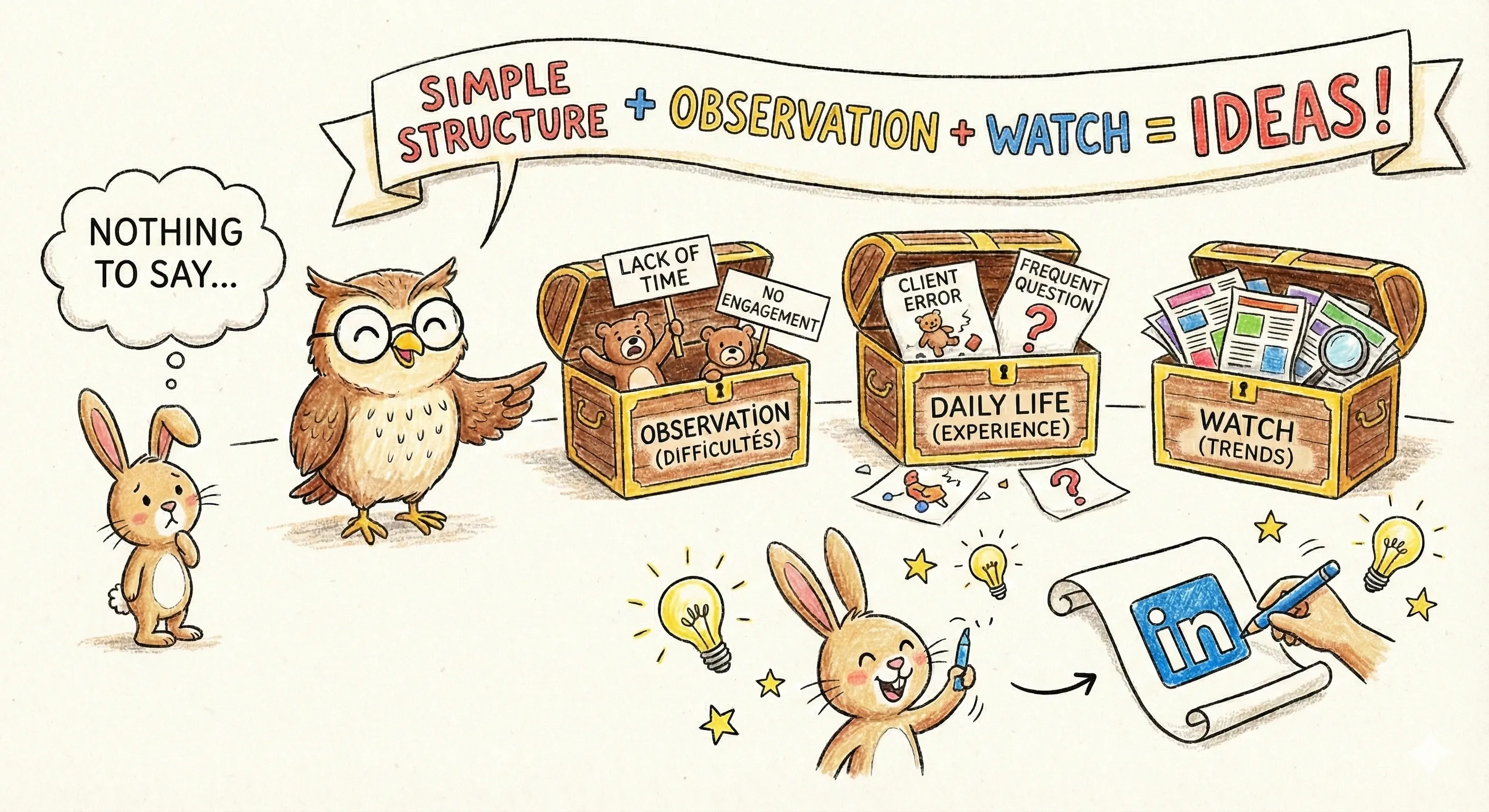
A 1,500-word article holds six to ten ideas. A LinkedIn post supports one.
Reread the article and note the ideas you have something to say about. Then keep the one that meets two conditions: it surprises your audience, and you can defend it with your own arguments.
The others aren't wasted. They'll feed other posts (more on that below).
The single-sentence test
Try stating your angle in one sentence, without "and". If you can't, you still have two.
Step 3: Graft on what only you can say
This is the step nothing can do for you, and the one everybody skips.
Your post needs at least one element that couldn't come from anywhere else:
- a number from your own business
- a mistake you made
- an objection your clients keep raising
- a field observation that contradicts or qualifies the article
Without that anchor, you're publishing interchangeable content. It's exactly what makes AI-generated posts recognisable at a glance: they're clean, well-structured, and completely anonymous. It's also why Suma AI starts by learning your style from your own posts.
Step 4: Rewrite in native format
An article is read on a wide screen, with attention. A LinkedIn post is read on mobile, in a feed, in a three-second decision.
What changes in practice:
- The first two lines carry everything. They're all that shows before "see more". Open on the tension, never on the context.
- One to three lines per paragraph. A five-line block is already too long on mobile.
- Don't copy the article's vocabulary. Rewrite in your own words. A reformatted copy-paste is obvious.
- The close should invite a specific reaction. Not a generic "what do you think?", but a question that already contains your position.
Don't try to cover the article. Your post has to stand on its own: someone who never clicks the source should still come away with something. If the hook / body / close structure isn't familiar, start with the ideal structure of a LinkedIn post.

Step 5: Put the source in the comments
Publish the post with no link. Immediately post the article link as the first comment, with a line of context: "Full article here, it also digs into the X part."
That comment does two things: it protects the post's reach, and it gives you a first comment, which counts during the initial distribution assessment.
Always credit the original author. Taking someone's idea without naming them gets noticed, and the reputational cost bears no relation to the gain.
One article, three posts
The same source can feed several publications, provided you change the angle rather than reword it.
| Angle | Wording | Register |
|---|---|---|
| The counterpoint | "Posting every day is bad advice." | Taking a stance |
| The experience | "What happened when I halved my posting frequency." | Personal |
| The method | "The rhythm I recommend to my clients, and why." | Instructional |
Space them two to three weeks apart. Your audience turns over, and one topic covered from three angles builds your topical authority instead of diluting it.
The YouTube video case
A video works like an article, with two differences.
First, the raw material is richer: someone speaking produces anecdotes, hesitations, turns of phrase nobody would write down. Those are your best verbatim quotes. Note them exactly as said.
Second, you need an entry point. A 40-minute video rarely holds a single thesis. Find the moment where the speaker says something that made you look up: that's your angle, and everything else is context.
Working from the transcript rather than your notes keeps you from reconstructing an approximate version from memory.
Automating without going generic
Automation has a useful scope and a clear limit.
What automates well: monitoring, spotting what's moving in your industry, transcription, the first pass at LinkedIn formatting, generating several angles from one source.
What doesn't automate: choosing the angle you're willing to own, and the personal experience from step 3.
That's the logic behind Suma AI: you paste the link to an article or a video, and it hands back a structured post in your style in about thirty seconds. You keep control of the angle and of what you add of yourself.
Frequently asked questions
About ten to fifteen minutes by hand once you've read the article: five minutes to choose the angle, five to ten to write and tighten it. Reading and selecting the source is where most of the time actually goes.
What to take away
Turning an article into a LinkedIn post is an editor's job, not a summariser's. You pick a source that makes you react, extract a single angle, graft on something only you can bring, rewrite it for the platform, and put the link in the comments.
The real difficulty isn't the writing: it's keeping that rhythm week after week. That's where automated monitoring and writing support make the difference, as long as you keep hold of what makes a post recognisable: yours.